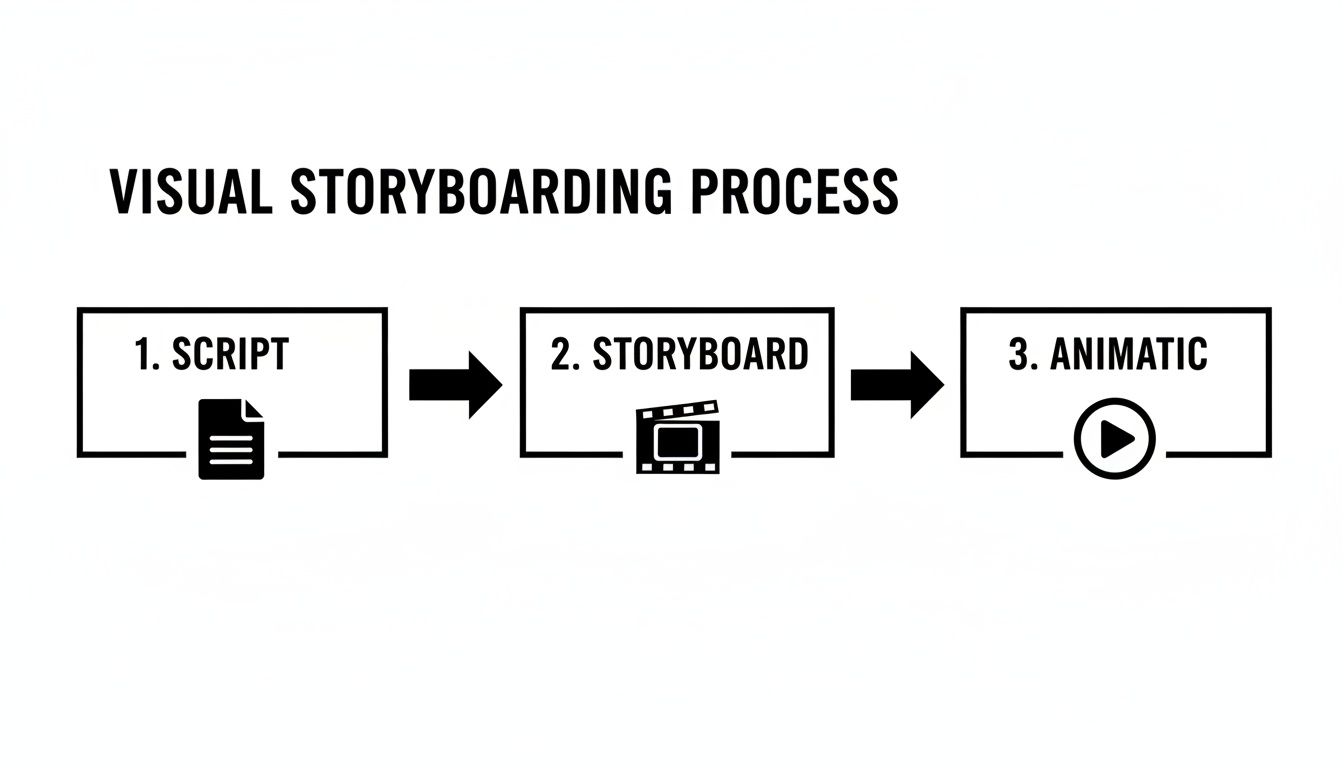
An animatic is a low-fidelity prototype for your video. It is a timed sequence of storyboard frames synced with a rough voiceover. This “animated storyboard” lets you test pacing, story flow, and basic camera moves before committing to full animation. For a founder, it is a practical way to de-risk a video production budget.
This guide explains why animatics matter for SaaS, how to build one, and how to think about the real costs of video production.
Key takeaways
An animatic helps you catch pacing and clarity issues before expensive animation work begins.
It reduces revision risk by making feedback concrete and easy to act on.
Simple storyboards are enough. Clarity beats artistry.
Use a scratch voiceover to lock timing, then cut visuals to match.
Lean production frees budget for distribution, testing, and iteration.
Before spending a dollar of your animation budget, an animatic can save you thousands. For a founder or product owner, this is not an “art step.” It is a strategic step where static ideas become a watchable sequence that validates your message before time and budget get locked in.
The biggest benefit is risk reduction. Jumping straight from a script to full animation forces you to guess timing and flow. If a scene feels rushed or a UI explanation is confusing, fixing it after full animation usually means expensive rework. An animatic surfaces those problems early and cheaply.
It lets you:
Test complex UI flows: Confirm if a key feature sequence is easy to follow or needs more screen time.
Gather concrete team feedback: Stakeholders respond better to motion and timing than to static boards.
Validate the core message: Check if the story works and the value proposition is obvious.
An animatic is your blueprint. Skipping it is like starting construction without architectural plans.
Common approaches to video production
When you need a professional product video, founders usually choose one of a few paths. Each has trade-offs in cost, time, and founder involvement.
Hiring an agency
A video agency can handle everything from strategy and scripting to animation and sound design. The outcome is often high quality, but the investment is significant. A polished 90-second explainer can land in the $10,000 to $25,000 range and take 6 to 12 weeks, depending on scope and revision cycles.
Working with a freelancer
Hiring a freelance animator can reduce the initial price. The trade-off is time. You become the producer, creative director, and QA lead. This can save cash, but it often costs significant focus that could be spent on product development or customer acquisition.
DIY with templates
DIY tools are the most budget-friendly option. They can help you get something live quickly, but they may lack the narrative structure and polish needed to explain a complex SaaS product well. The result can look generic and fail to communicate your value clearly.
The cost and time reality check
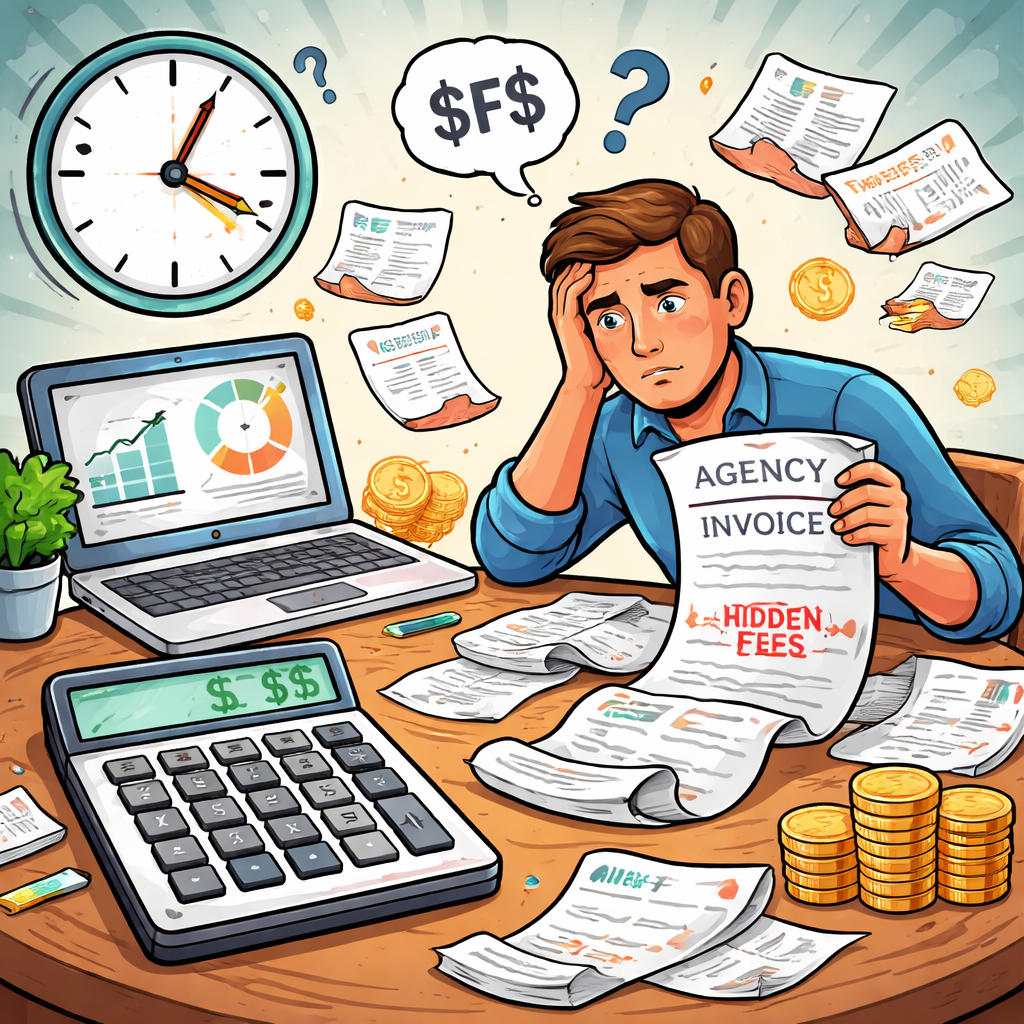
The most significant hidden cost in video production is not the invoice. It is opportunity cost. Every week spent in revision cycles is a week you could be shipping features or running growth campaigns. Feedback loops with agencies or freelancers can stretch timelines and stall momentum.
An animatic shortens the loop. A change that takes days in full animation, like shifting timing or swapping a scene, can be done quickly by reordering frames or extending a shot. This protects your schedule and keeps the animation phase focused on execution, not experimentation.
Knowing realistic benchmarks for money and time helps you make smarter decisions. Building your own animatic is one way to adopt a professional workflow on a startup budget, whether you hire help or keep production in-house.
Translating your script into a visual storyboard
Every great product video starts with a clear script. For SaaS, a reliable structure is problem, solution, outcome. Start with a user pain point, introduce your tool as the solution, then show the successful outcome. This is typically more compelling than a feature list.
If you need help, our guide on how to make a script provides a detailed starting point. Once the script is solid, move to storyboarding. This is about communication, not art.
From words to frames
A storyboard is a visual plan for each key moment. Stick figures and basic shapes are fine. The goal is to lock composition and action.
For each panel, ask:
What is the one thing the viewer must see?
What is happening in the shot?
How does this frame lead to the next?
Number each panel so your animatic has a clear roadmap.
Directing the viewer’s eye
Animatics are also where you think about movement. Add quick notes to panels to suggest simple camera moves that guide attention:
Pan: A slow horizontal move across a dashboard.
Zoom in: Push in on a critical button or menu item.
Zoom out: Pull back to show the bigger context.
These notes turn static frames into a dynamic plan and help you test pacing before animation begins.
Building your animatic: a practical workflow
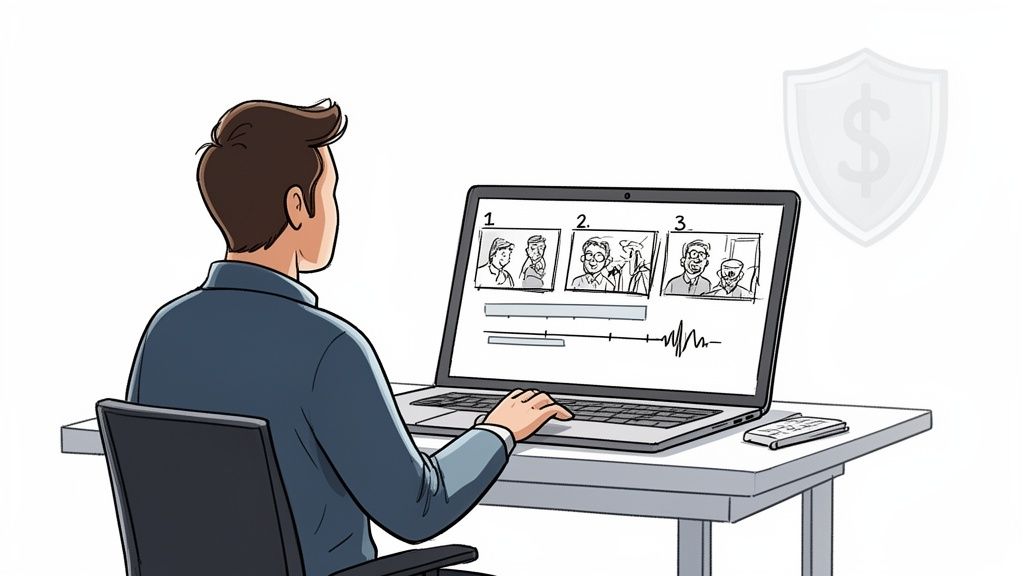
With numbered storyboard panels and a rough voiceover, you can assemble your animatic in standard editors like Premiere Pro or DaVinci Resolve.
Import your panels and place your scratch audio on the timeline. The audio sets the pace. Arrange panels on the video track and align visuals to what is being said.
Getting the timing right
Timing matters most in product videos. The animatic is where you experiment. Adjust panel duration to match the voiceover. A useful rule: let a key UI shot linger briefly after narration ends so viewers can absorb it. You want a rhythm that feels intentional.
Simulating basic motion
Add simple movement to static panels to simulate camera work, often called the “Ken Burns effect”:
Slow pan: Move across a wide dashboard frame.
Gentle zoom: Push in on a feature as it is mentioned.
The goal is not full animation. It is checking pacing and focus. If you want structure, this storyboard template for video can help organize shots.
The animatic process is effective, but it still takes time and technical skill. For founders who need to move faster without sacrificing quality, there is a more direct route built on the same principle: lock the foundation first, then execute.
Instead of starting from a blank slate, you can start with a proven video framework where story structure and pacing are already optimized for SaaS. Forgeclips pairs scripting assistance with human creative direction to deliver a polished video quickly, helping you get a professional result without the typical production overhead.
This hybrid approach gives you the speed of a template and the strategic clarity of a custom project. It is a smarter take on the process of animation for teams that need to move fast.
Adopting a distribution-first mindset
A great video has no impact if the right people do not see it. The advantage of an efficient workflow is reallocating resources toward distribution. Instead of sinking budget into one video, you can run LinkedIn ads, test different cuts on YouTube, or feature a polished demo on your homepage.
This shift from creation-focused to impact-focused changes everything. Efficient production allows you to:
Test and iterate: Create variations to find the message that resonates.
Fuel multiple channels: Spend budget on getting seen, not only on making.
Respond to market changes: Ship a feature update video quickly when momentum matters.
The goal is not just to make a video. It is to get the video working for your business. For inspiration, explore these product marketing video examples.
Answering common questions about animatics
How long should an animatic be for a SaaS product?
Aim for 60 to 90 seconds. This is a strong target length for many SaaS explainer videos. It is enough time to present the problem, show the solution, and guide viewers to the next step. Hitting this length helps validate pacing.
Do I need to be an artist to storyboard?
No. The goal is clarity, not artistry. Stick figures, boxes, and rough UI wireframes are enough as long as they communicate composition, motion notes, and on-screen action.
What is a scratch track and why is it necessary?
A scratch track is a temporary rough voiceover used to establish timing. Recording on a phone is fine. Its job is to provide realistic pacing so you can cut visuals to the right length and confirm the flow feels natural.
Next steps
An animatic is not about making perfect art. It is about validating story and timing before you invest real money into animation. If you want to move faster, you can also start from a proven structure instead of a blank slate.
Want to skip the manual animatic work and ship a polished video fast?
Forgeclips turns product details into a marketing-ready video built on proven SaaS frameworks.