A storyboard template for video is a strategic blueprint, not just a creative document. It maps your entire video, shot-by-shot, locking in the script, visuals, and business goals before production begins. For a SaaS founder, this turns an unpredictable creative process into a repeatable system that saves significant time and budget.
Why This Type of Video Matters
As a SaaS founder, your most finite resource is time. Every hour spent on endless feedback loops or fixing a video that missed its mark is an hour not spent on your product or with customers. A solid storyboard acts as a strategic tool to de-risk your entire video production workflow.
It forces clarity from day one. By laying out each scene, you can spot narrative gaps, awkward transitions, or messages that don't land. Getting this alignment upfront ensures everyone, from your marketing lead to a freelance editor, shares the same vision. The result is a massive reduction in revisions, which are often the biggest source of budget overruns and blown deadlines.
A good storyboard connects your creative vision directly to business objectives. Every frame should answer a critical question tied to your goals. Does this shot show a key benefit? Will this sequence help a potential customer understand how our feature solves their problem? Is the call-to-action placed logically?
This disciplined approach ensures every element of your video is engineered to clarify your product's value and guide potential customers toward a decision. The structured process is fundamental to creating consistently effective videos. You can see how it works in a streamlined production system.
For early-stage SaaS companies, making one great video isn't the goal. You need a scalable system to produce consistent, high-quality content. A solid storyboard template for video provides that system, establishing a repeatable framework your team can use for every new project.
Common Approaches (Without Judgment)
Once you have a solid storyboard, the question is how to get it produced. There is no single "best" way. The right path depends on your company's stage, budget, and timeline. The key is to understand the real-world tradeoffs of each option.
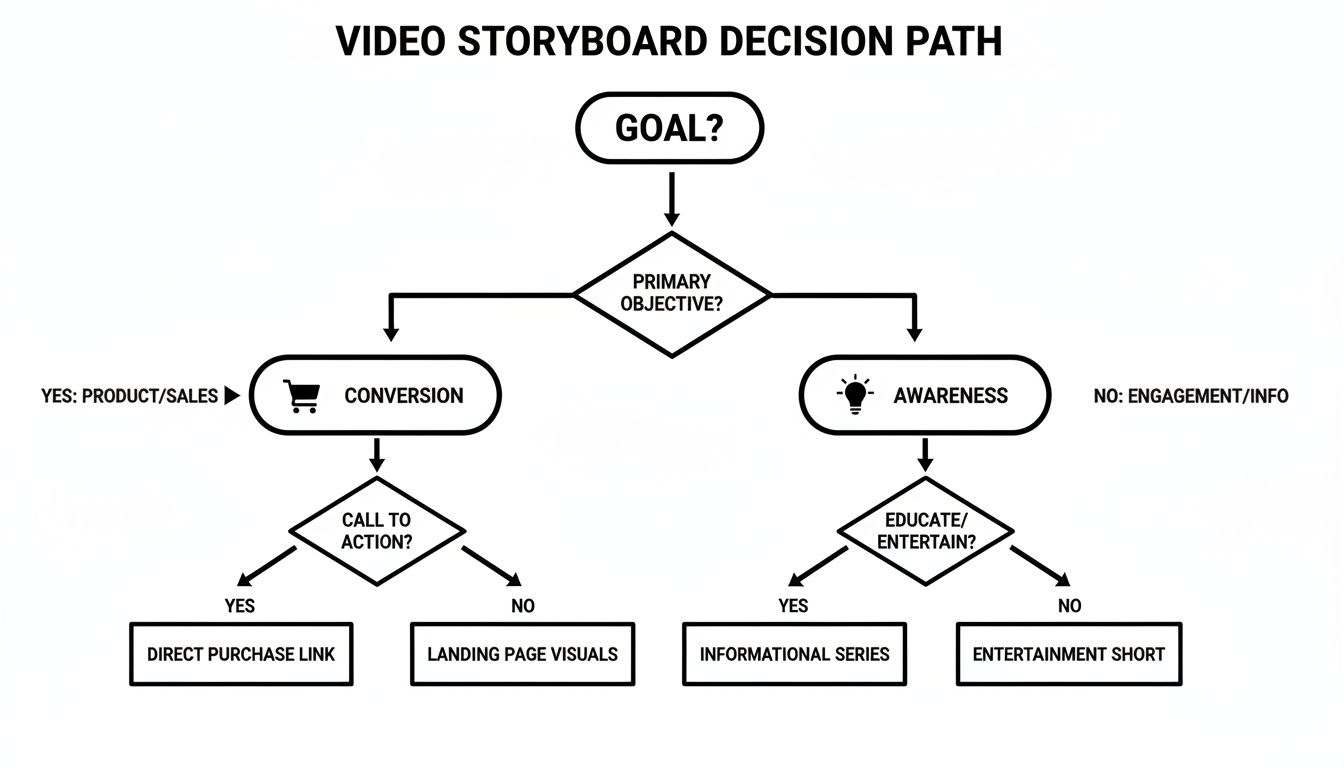
A video built for conversion needs a direct path to action, while one for awareness might prioritize a memorable story. That difference should shape who you hire or what tools you use.
Agencies: This is the hands-off option. Agencies bring strategic depth, handling everything from concept to launch. This is an excellent choice if you have a significant budget and need a partner to own the entire process. The tradeoff is cost and time; production cycles often stretch over weeks or months.
Freelancers: A more flexible approach is to hire freelancers for specific roles, such as motion graphics or editing. This gives you access to specialized talent without agency overhead. However, as the producer, you manage multiple people and ensure the final video is cohesive. This can be effective if you have the time to direct the process.
DIY Tools: Video creation software gives you the most control and has the lowest direct cost. You can iterate quickly and get something out the door without waiting on anyone. The tradeoff is the learning curve and the demand on your team's skills. It can be a smart move, but the time sunk into learning new software could often be better spent elsewhere.
Cost & Time Reality Check
A polished storyboard template for video is just the start. The production phase is where many founders encounter unexpected complexity. A professionally produced product demo is a serious investment of both time and money.
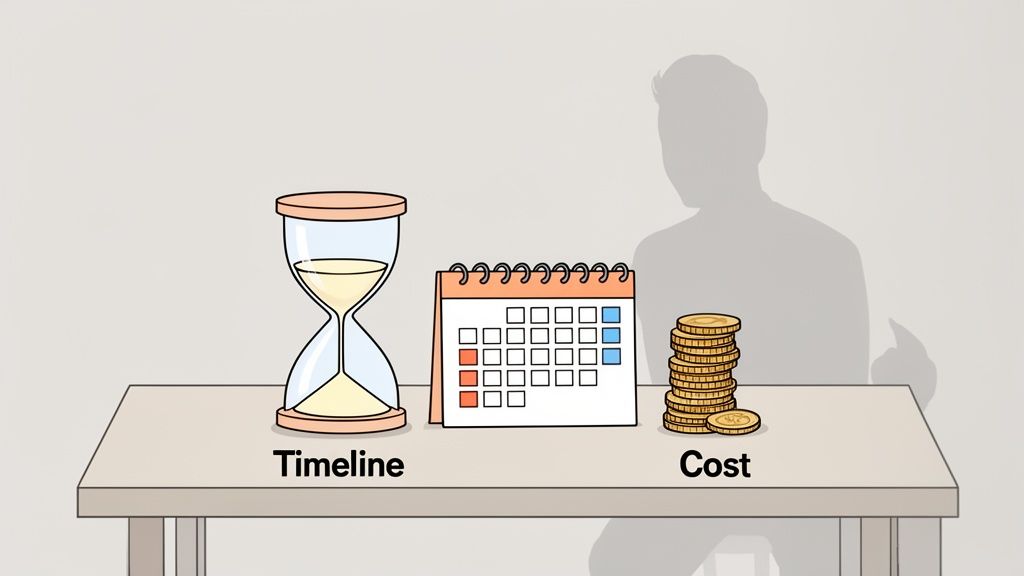
The price for a quality video can range from a few thousand to tens of thousands of dollars. The timeline is just as demanding, often taking several weeks or months from the first call to the final file.
The invoice is only part of the story. For a founder, the real expense is the opportunity cost. Every hour you spend managing a video project is an hour you are not spending on product development or talking to customers. This hidden cost adds up quickly through review cycles and project management overhead.
In SaaS, speed is critical. A slow video production process is the enemy of an agile mindset. When you can get from a storyboard to a finished video in days instead of months, you can A/B test different versions of a product marketing video or run multiple ad creatives to see what connects with your audience.
The challenge is finding a production method that delivers the quality you need without demolishing your budget or timeline. High-end agencies are often too slow and expensive for a startup's needs. DIY tools provide speed but can fall short on the professional polish required to build trust with B2B customers.
How Forgeclips Solves This
For most founders, there is a gap between the high cost of agencies and the steep learning curve of DIY tools. You have a detailed storyboard, but your production options feel misaligned with a startup's reality. An agency is too slow for a single product demo, and you don't have hours to wrestle with complex editing software.
This is where a different production model built for SaaS teams becomes valuable. It's not about being cheaper; it's a philosophy that prioritizes efficiency and business results over long creative cycles. It allows you to get a studio-quality video back in days, not weeks.
This model works because it is built on proven marketing frameworks. Instead of starting from a blank slate, production is grounded in a structure already optimized for core SaaS use cases like product demos, explainer videos, and promo videos.
A framework-driven approach provides the consistency of a template with the polish of a custom project. Your storyboard fills in the specific details, like UI elements and script points, while the framework ensures the final video has a logical, persuasive flow. This is a smarter way to create videos that are high-quality and repeatable.
This production path respects your time and budget. It delivers around 90-95% of the result of a full custom agency project for a fraction of the cost and timeline. That efficiency frees you to shift resources from production to distribution, which is where the real business impact happens.
Example: Anatomy of a High-Performing SaaS Storyboard
Let's break down what makes a storyboard work for a SaaS product. A great storyboard is a detailed blueprint for conversion, not just a sequence of sketches. For a SaaS video, a generic template is not enough. You need specific columns that map your narrative directly to your product's interface and the viewer's journey.
A high-performing storyboard template should be built around SaaS-specific actions. Standard fields like "Shot Number" are a start, but they don't capture what matters for converting viewers into users.
Essential Columns for Your SaaS Video Storyboard
Column Name
Purpose for SaaS Founders
Example
Scene & Shot Number
Organizes the video flow and makes feedback specific.
Scene 1, Shot 3
Duration (Seconds)
Controls the video's pace and ensures the total runtime is on target.
5 seconds
Visuals & Action
Describes what the viewer sees, including UI elements and camera moves.
Wide shot of the dashboard. Cursor clicks on the 'New Report' button.
Audio/Script
Contains the exact voiceover or dialogue for that specific shot.
"Tired of spending hours building reports? With one click, you can..."
On-Screen Text/UI Highlight
Specifies any text overlays or which part of the UI should be highlighted.
A yellow box highlights the 'New Report' button. On-screen text: "Automated Reporting."
Intended Viewer Takeaway
Defines the one key message the viewer should understand from this shot.
Takeaway: "Creating reports is fast and simple with this tool."
This structure transforms your storyboard from a visual guide into a strategic tool. It forces you to justify every second of screen time and connect each visual to a key message.
Let’s walk through a scenario: a video introducing a new "Automated Reporting" feature. The storyboard starts by establishing a relatable pain point, like a cluttered spreadsheet. The Intended Viewer Takeaway is simple: "I've felt this pain before."
Next, the video transitions to your product's UI. A shot details the cursor clicking the "New Report" button. The Visuals & Action column specifies a "subtle zoom effect" to draw attention. You can see how this focused storytelling is applied in effective SaaS explainer video examples.
The final scenes show the automatically generated report, emphasizing the outcome: time saved and better insights. This methodical process ensures your video is a narrative about transformation, not just a feature list. Over 92% of global internet users now watch online video, so unstructured content is a risk. A standardized storyboard ensures every video follows a logical narrative from pain to solution. See the impact of video marketing from these statistics.
Distribution-First Mindset
An amazing video that nobody sees is a wasted effort. The real advantage of an efficient production process is freeing up your budget and time for what drives growth: distribution. This is how you connect your detailed storyboard template for video to a real go-to-market strategy.
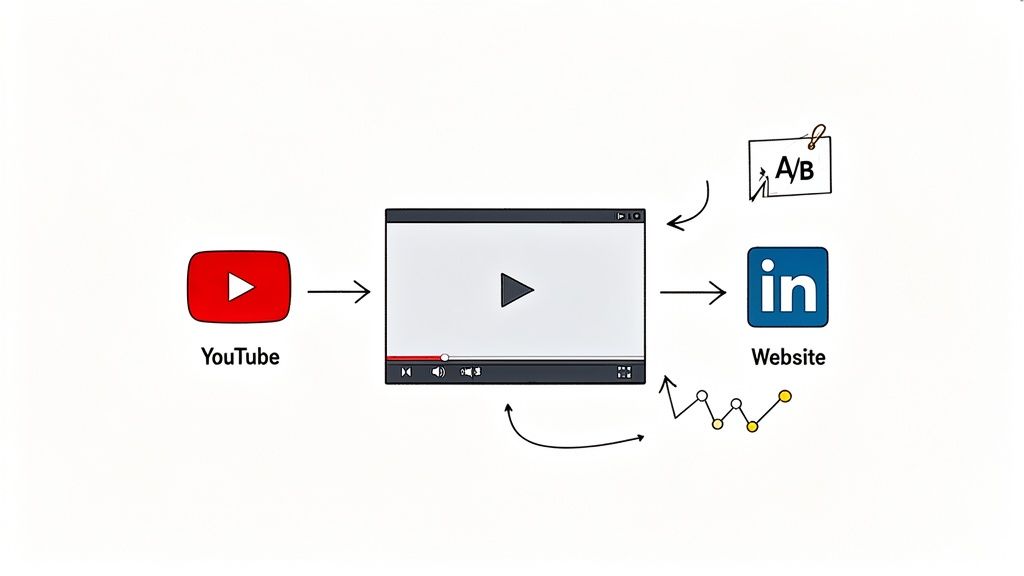
When production costs are predictable and lean, you have the resources to run paid LinkedIn campaigns, populate a YouTube channel, and A/B test different video versions on your landing page.
Your core storyboard is a foundational asset. You can slice it for various channels. From one storyboard, you can create a portfolio of assets: the 90-second website hero video, the 30-second paid ad focused on a single benefit, and the 15-second social snippet for building curiosity.
This mindset shifts your goal from "making a video" to "achieving a business outcome with video." The metric for success becomes lead generation or trial sign-ups. The most successful SaaS teams don't just produce videos; they deploy them as strategic assets. They allocate as much, if not more, of their budget to distribution as they do to production.
An efficient production process makes this possible. By saving on production, you empower your team to invest where it counts: getting your message in front of the right people and turning your video into an engine for business growth.
Soft Call to Action
Founders need straight answers, not just theories. Here are a few of the most common questions we get from SaaS teams about building a storyboard template that actually works.
Just How Detailed Does My Storyboard Need to Be?
Your storyboard needs to be crystal clear. Could you hand it to a designer or editor, and could they build your video with almost zero questions? If not, you need more detail. This isn't about being an artist; it's about eliminating guesswork.
Nail down specific UI elements, exact on-screen text, transition descriptions, and the final voice-over script. Every minute you spend adding this level of detail to your storyboard will save you hours in editing and revisions later.
Can I Just Reuse the Same Storyboard for Different Videos?
Yes and no. You should have a core storyboard template for video as a starting point, but you can't just copy-paste it for every project. Each video has a different job. A 90-second product demo needs a different structure than a 30-second social media ad.
Build a master storyboard template that includes every possible column you might need. Then, create stripped-down versions for specific formats like ads, demos, or tutorials.
What's the Single Biggest Mistake Founders Make with Storyboards?
The most common mistake is focusing on product features instead of the customer's problem. When your storyboard is just a sequential list of features, your video feels like a user manual. It is informative but not persuasive.
A great storyboard always tells a story with a simple, clear narrative arc: hook with the pain, introduce the solution, show the "aha!" moment, and reveal their new reality with a clear next step. This turns a boring feature tour into a story that convinces people your product is indispensable.
Ready to skip the friction and turn your storyboard into a video that performs? Forgeclips uses proven frameworks to produce studio-quality SaaS videos in days, not weeks. Explore our video frameworks and see how it works.