Your SaaS product solves a real problem, but showing that to a potential customer is tough. Founders often spend serious time and budget on polished product videos that still fail to drive results like sign-ups or demo requests.
This usually isn’t a production-quality issue. It’s a strategy issue. A video that only lists features is a wasted opportunity.
Key takeaways
Many SaaS videos fail because they show features without a story or objective.
The best videos target one KPI: conversions, onboarding, or feature adoption.
Frameworks make scripts sharper: PAS, Feature-Benefit-Proof, and Quick Win.
Clean screen recordings and strong audio build trust fast.
Distribution wins: repurpose one master video into multiple formats.
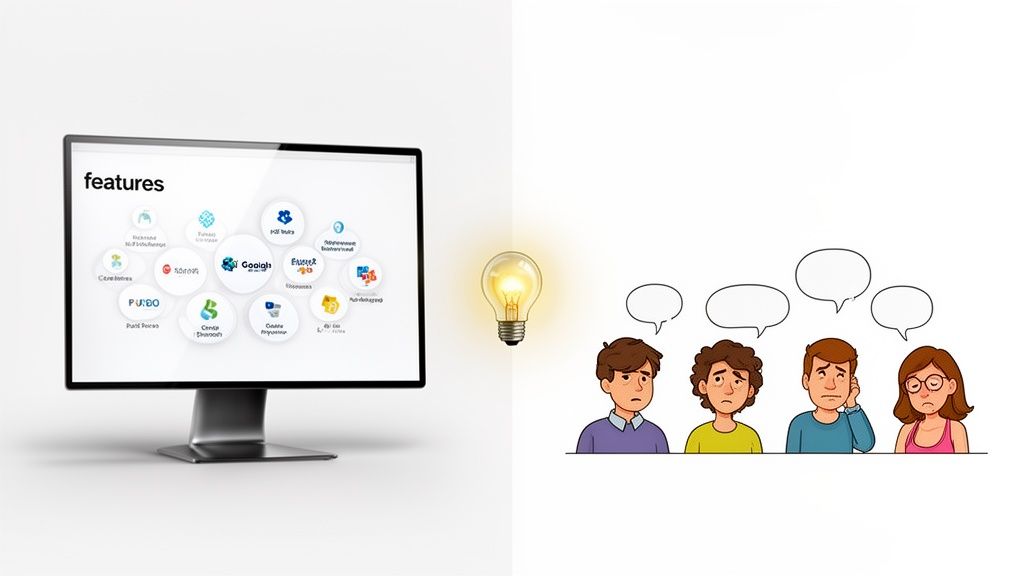
The primary reason many SaaS product videos underperform is a lack of strategic focus. Founders try to showcase every feature and forget to tell a compelling story. A great video doesn’t just show what your product does. It shows what the viewer can achieve.
Common strategic missteps
Many founders treat video as an item on a launch checklist instead of a strategic asset. This leads to videos that look good but do not move key metrics like sign-ups, feature adoption, or retention.
The most frequent issues are:
Leading with features, not benefits: The video becomes a UI tour instead of a value demonstration.
Lacking a single, clear objective: A video that tries to do everything usually accomplishes nothing.
A one-size-fits-all approach: Different types of video serve different purposes across channels.
The goal is not only to show the product. It is to make the viewer feel understood by connecting their pain point to your solution.
Why this type of video matters
Before you write a script or record a screen, answer one question: what is this video supposed to accomplish? Without a specific goal, a SaaS product video becomes a nice-looking expense.
A great video is a strategic asset tied to a measurable business outcome.
From vague ideas to measurable goals
Instead of aiming for something broad, anchor your video to one KPI. This turns it from a creative project into a performance tool.
Increase landing page conversions: Get more visitors to click “Sign Up” by landing the value proposition fast.
Reduce onboarding friction: Create an “aha” moment and guide users through first critical steps.
Drive feature adoption: Show the real scenario and the exact problem the feature solves.
Reminder: A video with one clear objective will outperform a video trying to do three things at once.
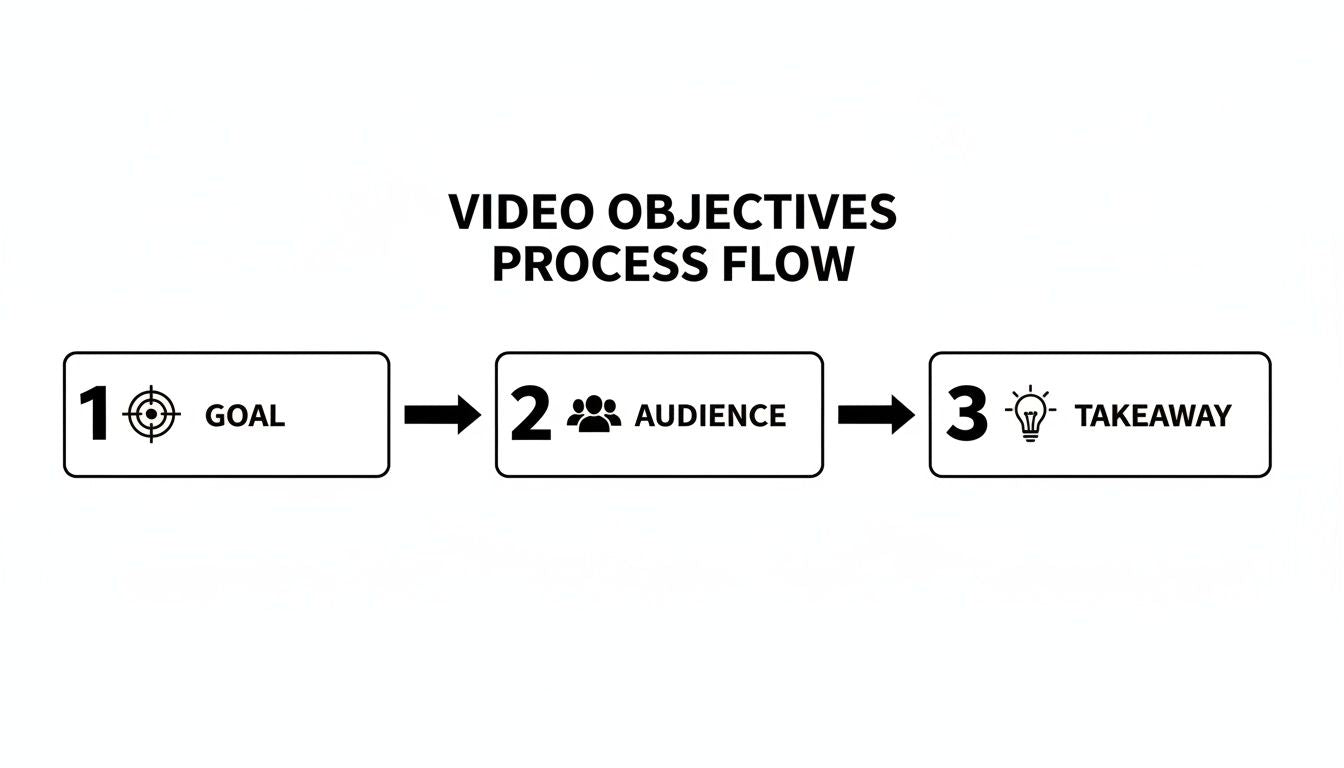
Once you lock the objective, define the ideal viewer and the single takeaway they should leave with. For example, a strong SaaS explainer video should make a prospect think, “Finally, a tool that gets my exact problem.”
Common approaches to video production
Once your objective is clear, choose a production path. As a founder, you have three common options: agency, freelancers, or DIY tools. The right choice depends on stage, budget, and timeline.
Agencies and freelancers
Agencies can create cinematic videos with a full team, but they often come with higher cost and slower timelines. Freelancers can be more affordable and direct, but you become the project manager coordinating the moving parts.
DIY and template tools
DIY screen recording tools and template-based editors offer the lowest cost and fastest turnaround. They are great for internal videos or quick tutorials, but achieving a professional, trust-building look for customer-facing content can be challenging.
The cost and time reality check
The price of a video is only half the story. Your time is often the real cost. Every hour spent managing a video project is an hour not spent talking to customers, improving the product, or closing deals.
The real question is: “What else could I do with this time and budget?” A slow production process can delay launches and reduce marketing momentum.
How Forgeclips solves this
This need for speed, quality, and cost-efficiency is why Forgeclips exists. It’s built for founders who need professional videos produced in days, not months, for a fraction of the complexity.
The goal is to keep quality high while saving budget and focus for what moves the needle: distribution. Learn more in our process of animation.
Choosing the right video framework and script
A proven framework is the backbone of a SaaS product video that performs. It guides the narrative, builds trust, and makes your value proposition stick.
This flow is the foundation: objective, audience, and key takeaway. A great script starts with strategic clarity.
The Problem-Agitate-Solution framework
Problem-Agitate-Solution (PAS) is great for top-of-funnel explainers and landing page videos.
Problem: State a pain point your ideal customer feels daily.
Agitate: Describe the consequences and frustration.
Solution: Introduce your product as the clear answer.
The Feature-Benefit-Proof framework
Feature-Benefit-Proof (FBP) is direct and works well for product demos.
Feature: Show a specific part of the UI.
Benefit: Explain the real outcome for the user.
Proof: Show evidence on screen that it works.
The Quick Win framework
Quick Win is ideal for onboarding and feature announcements. It focuses on one task and shows the fastest path to a valuable outcome.
SaaS video frameworks at a glance
Framework
Best for
Core components
Problem-Agitate-Solution
Top-of-funnel ads, landing page videos
Empathy hook, frustration, product as the resolution
Feature-Benefit-Proof
Product demos, sales enablement
UI demo, outcome, visual proof
Quick Win
Onboarding, feature announcements
Single task, step-by-step guidance, success moment
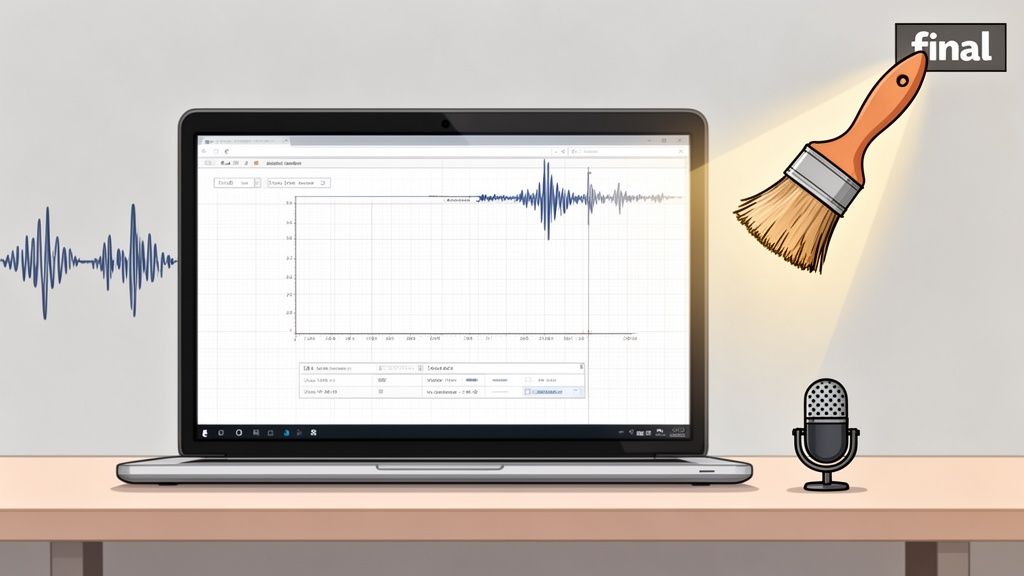
A professional-looking SaaS product video is built on strong raw materials: clean screen recordings and clear voiceover. These details decide whether a video feels premium or cheap.
Nailing the visuals
Use a dedicated browser profile. Turn off extensions and hide bookmarks.
Use realistic dummy data. Avoid names like “Test User.”
Record at least 1920x1080 (1080p) for crisp readability.
Refining your audio and voiceover
Audio quality matters as much as visual clarity. While professional voice talent can be premium, modern AI-assisted voiceovers can be fast and cost-effective if the script is written for listening.
Use shorter sentences, conversational language, and planned pauses to improve pacing and reduce robotic tone.
Achieving consistency and speed
Managing these details across many videos can become a time sink. A structured system helps maintain consistent quality and faster output. Tools and workflows like Forgeclips are designed to standardize production so every video stays polished and on-brand.
A distribution-first mindset
A brilliant video is worthless if the right people never see it. Uploading one video to your site and hoping for results is a production-first mistake.
A distribution-first mindset treats production as the beginning, not the finish. When creation is efficient, you free up resources for what drives growth: getting seen.
Maximize your reach by repurposing
Create one master asset and repurpose it into formats tailored for each platform:
16:9 (widescreen): Website hero section and YouTube.
1:1 (square): LinkedIn and Instagram feeds.
9:16 (vertical): TikTok, Stories, Shorts, and vertical ads.
The goal is not more videos. It is more value from the video you already made.
Your SaaS product video questions, answered
We covered strategy, production, and distribution. Here are the most common founder questions.
How long should my SaaS product video be?
For top-of-funnel promo or explainer videos, aim for 60 to 90 seconds. For warmer leads and detailed demos, 2 to 3 minutes often works well. Make sure every second delivers value.
What is the single most important element in a SaaS video?
Clarity. If the viewer cannot quickly understand what problem you solve and who the product is for, the rest is noise. Your script and visuals must guide them from pain point to solution.
Can I use an AI voiceover?
Yes. Modern AI voices can be clean, consistent, and fast. A hybrid approach often works well: generate voiceover with a high-quality AI tool, then do a human listen-back to tweak pacing and emphasis.
Next steps
Ready to create high-quality, conversion-focused videos for your SaaS product without agency pricing? Forgeclips provides a streamlined process built for founders who need to move fast.
Want a video that is built to perform, not just look good?
Explore Forgeclips video frameworks and get started today.