Creating training videos means producing instructional content that onboards users, explains features, and reduces support tickets. For a SaaS founder, it’s a high-leverage tool for driving adoption and retention by turning complex workflows into simple, visual guides.
Key takeaways
Training videos reduce support load and improve activation.
Best videos focus on one objective and one user pain point.
Agencies, freelancers, and DIY tools each have trade-offs for SaaS speed.
Production efficiency matters because UIs change constantly.
Distribution is the multiplier: put videos where users get stuck.
As a founder, your time and your team’s bandwidth are your most valuable assets. Every hour spent answering the same support question is an hour not spent building the product or growing the business. This is where training video creation becomes the core of a scalable customer success engine.
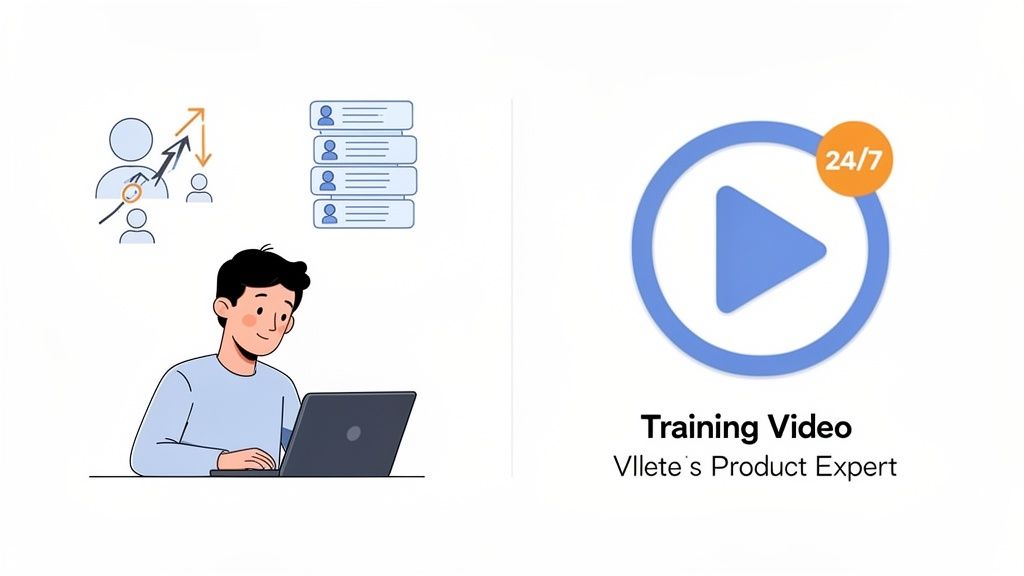
Think of effective training videos as your 24/7 product expert. They guide new users through your platform and help them reach that critical “aha” moment without needing to open a support ticket.
When users can find their own answers, a few powerful things happen:
Your support load shrinks: Clear tutorials handle common questions, freeing your team for high-value issues.
User churn drops: Confusion is the enemy of retention. Competent users stick around longer.
This isn’t about flashy marketing. It’s about practical assets that make customers more successful and your business more scalable.
Common approaches to production
The need for training videos is clear, but traditional production often doesn’t fit a fast-moving SaaS business. Features ship constantly and UIs change. Long timelines and high costs cannot keep pace.
Here are the typical paths and the trade-offs:
Agencies
Agencies bring a full team: strategy, writing, animation, and editing. The outcome can be highly polished and custom, which is great for flagship campaigns.
The trade-off is cost and time. For many startups, long timelines and high budgets are difficult to justify for an ongoing training library.
Freelancers
Freelancers are more flexible and often cheaper. You can find editors, motion designers, and voice talent on platforms like Upwork or Fiverr.
The trade-off is management overhead. You become the coordinator. Quality can vary, and communication can consume founder time.
DIY and template tools
DIY tools and templates can be great for quick updates. Loom works well for informal walkthroughs. Tools like Adobe Premiere Pro or Final Cut Pro offer full control but require time and skill.
The trade-off is the time sink and the risk of generic output. Making templates look on-brand takes effort, and learning curves can cost dozens of hours.
The cost and time reality check
Founders are always balancing cost, speed, and quality. Agencies tend to maximize quality but minimize speed and affordability. DIY tools tend to minimize cost but can consume your time and reduce consistency.
Practical middle ground: A productized service can blend structured frameworks with professional editing to deliver near-agency quality with faster turnaround. This model fits SaaS teams that need speed and consistency.
It helps you get out of production management and back to the high-leverage work: what the video teaches, where it lives, and how users find it.
How to plan videos that actually help
The difference between a helpful training video and a confusing one is decided in planning. To create focused tutorials, use a repeatable framework that respects your user’s time.
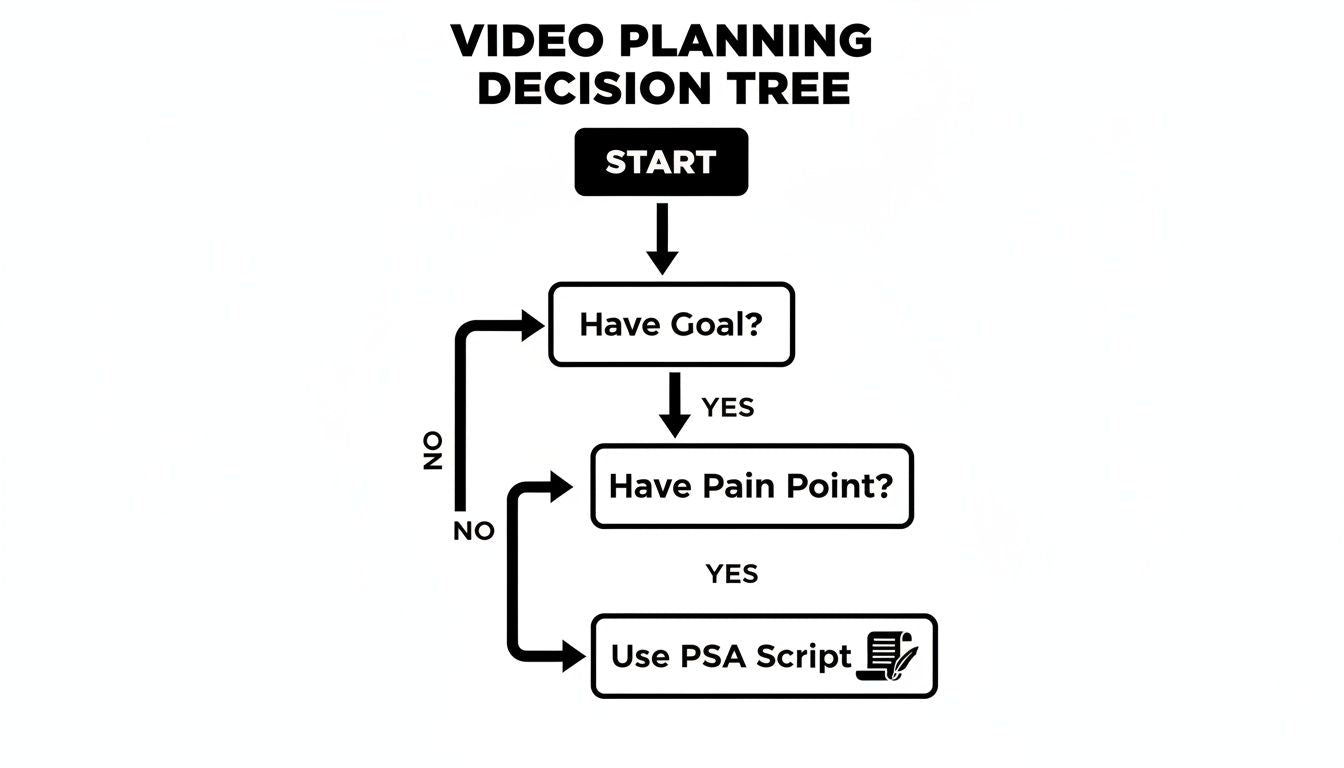
Planning rule: One video, one objective.
Ask: “After watching this, what is the one thing the user should be able to do?”
Instead of: “Show how to use the dashboard.”
Try: “Show how to add a new team member to a project.”
Once you have a single goal, tie it to a pain point. Why do they need this? What is it blocking? For examples that help you turn steps into narration, see how to make a script for your SaaS video.
Recording and polishing your video content
You don’t need a film degree or a studio. Focus on a few high-impact details that signal quality and build trust.
A clean screen recording is the foundation:
Disable notifications: Turn off pop-ups from Slack, email, and calendar.
Clean your desktop: Use a dedicated recording profile with minimal clutter.
Set your resolution: Record at 1920x1080 when possible for crisp playback.
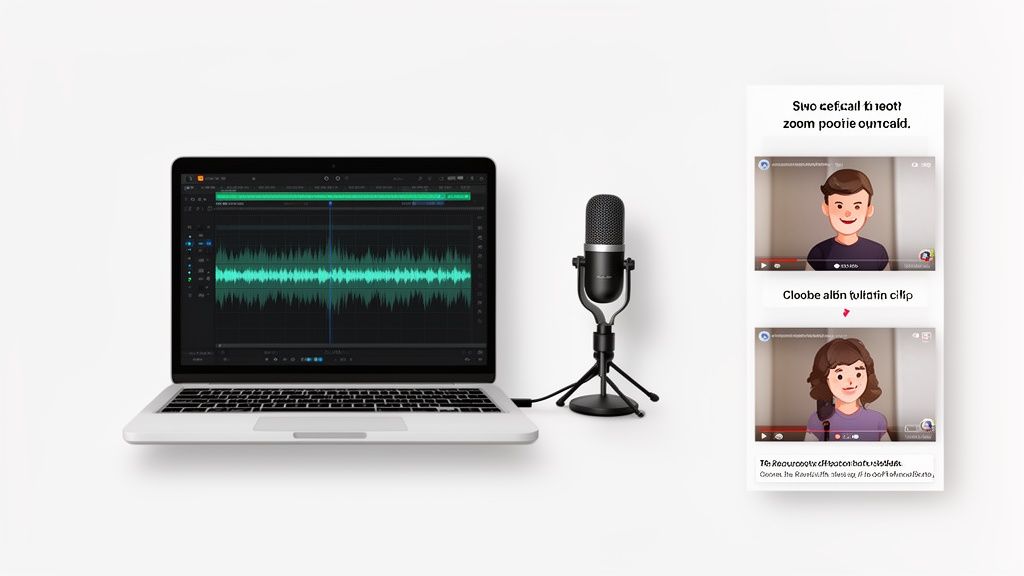
Audio matters as much as visuals. Bad audio can make helpful content unwatchable. You can record your own voiceover or use a modern AI voice for speed and consistency across a whole library.
Example use case: reducing onboarding friction
Imagine a new user signs up for your project management SaaS. They are excited, but immediately hit a hurdle: inviting their team. They can read a long help doc or submit a ticket, but both create friction.
Instead, embed a 90-second video titled “How to invite your team in under a minute” directly in the onboarding checklist. Show the exact clicks with clear on-screen actions and simple narration.
Outcome: the user feels successful, invites teammates, experiences collaboration value fast, and you prevent a support ticket. That is a real business result driven by smart training content.
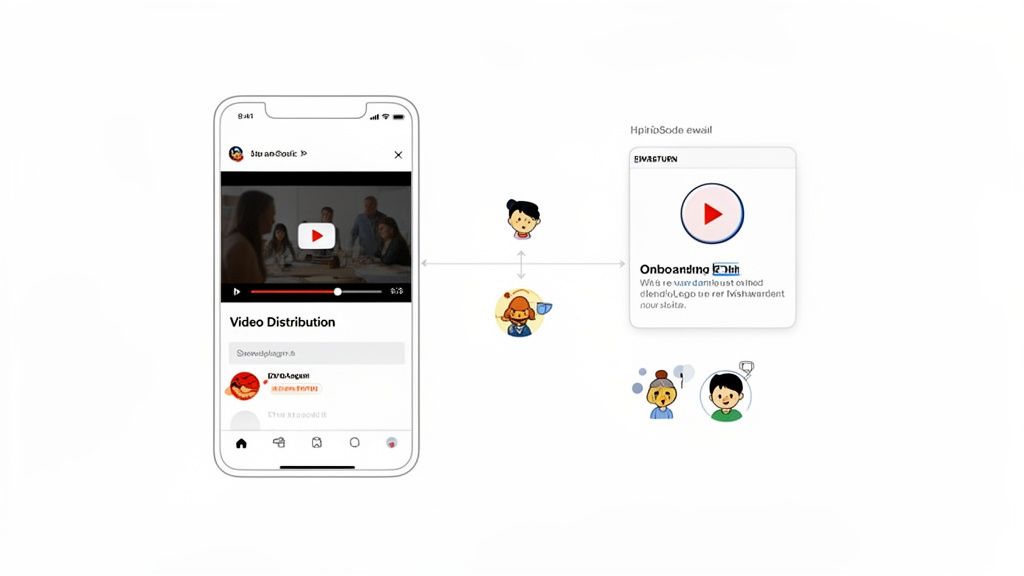
A great video only works if users see it when they need it. Distribution-first means placing videos exactly where users get stuck and at the moment they feel friction.
Efficient production makes this easier because you can create more assets and keep them updated as your UI changes.
High-impact placements:
In-app tooltips: Embed a short tutorial right next to a complex feature.
Onboarding emails: Show the first critical action to boost activation.
Feature announcements: Ship a concise demo to your blog, LinkedIn, and YouTube.
Training videos are a high-leverage asset that can pay for itself through higher retention and lower support costs. By focusing on clear, concise content and smart placement, you build a durable customer success engine.
If you want professional videos without agency pricing or the DIY time sink, explore how a streamlined, productized approach can help you scale user education.
Want to scale onboarding without scaling support?
Forgeclips helps SaaS teams produce clear, consistent training videos fast.