That slick, widescreen product video you spent a fortune on isn't performing on mobile, is it? You’re not alone. The truth is, creating videos that work on a phone requires a completely different playbook than what works on a desktop.
And if you’re ignoring this shift, you're leaving conversions on the table.
Why Your SaaS Is Losing Money On Desktop-First Videos
Let's start with a frustration I see all the time. You invested heavily in a polished, 16:9 product video. It looks fantastic on a laptop, but your mobile conversion rates are stubbornly flat. Maybe you hired an expensive agency, followed all the old rules, and yet… nothing.
This disconnect is painful, and it’s happening because the context has completely changed.
The problem isn't your video's quality; it's the format. Someone scrolling on their phone is in a totally different headspace. They're multitasking, their attention is fractured, and they're conditioned to a vertical, thumb-scrolling world. A cinematic, horizontal video feels awkward and demanding. It forces them to turn their phone, breaking their flow and making it easier to just scroll past.
The Numbers Tell The Story
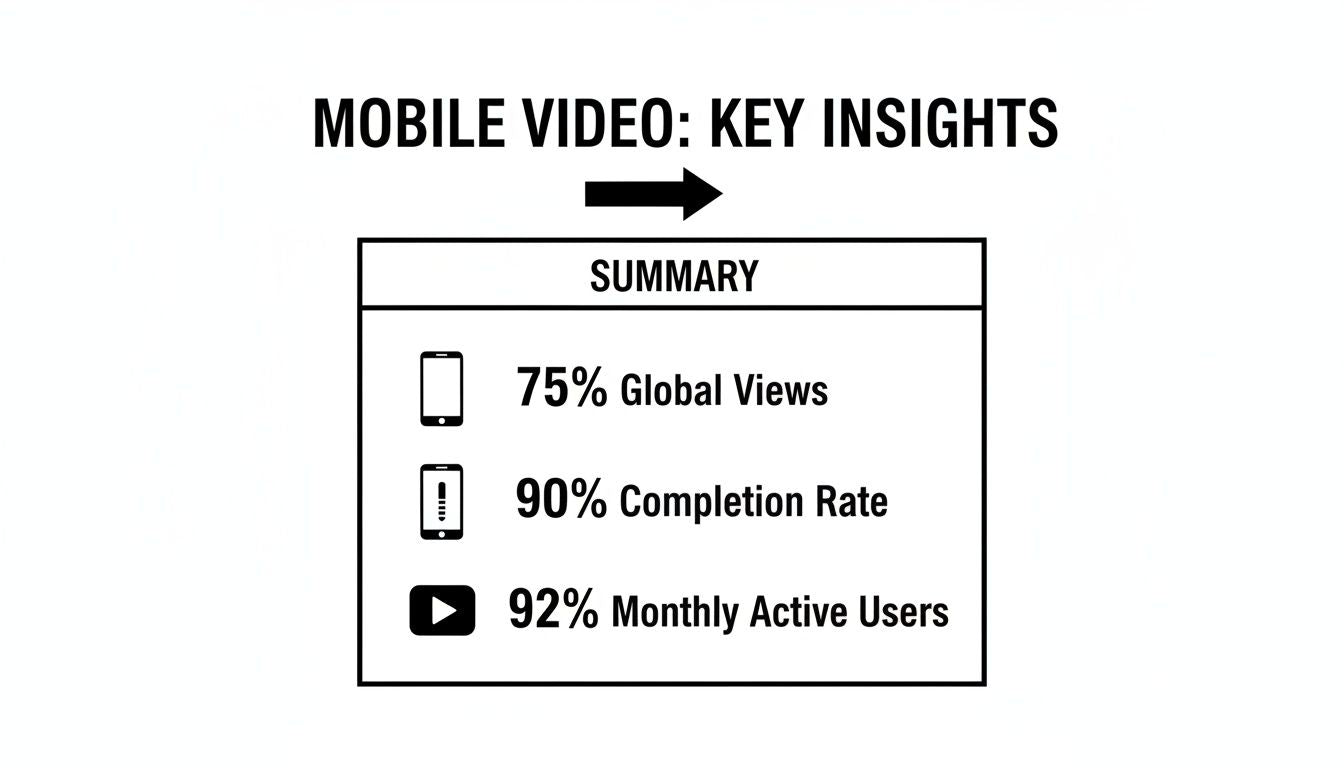
The data paints a stark picture. Mobile video isn't just a trend; it's the entire game now. Video apps are responsible for a staggering 76% of all global mobile data usage. Projections show this climbing to 82% of all internet traffic by 2025.
Here's what really matters for SaaS marketers: 75% of all video views happen on mobile devices. And vertical videos? They see completion rates up to 90%, while horizontal videos barely hit 14%. If your video strategy isn't built for a vertical screen, you're building for an audience that’s already moved on.
The Real Cost of Ignoring Mobile Behavior
This isn't just about aesthetics; it’s about ROI. Every dollar you spend on a video that isn’t optimized for mobile is a dollar wasted. You're not just losing views—you're losing potential customers at the most important point in their journey.
The core struggle for many SaaS founders is realizing that 'high-production fluff' designed for a desktop monitor actively works against them in a mobile feed. Structured clarity always beats cinematic flair on a small screen.
This is where the DIY trap and the agency drain get expensive. DIY videos often miss the mobile-first structure needed for instant clarity, while many traditional agencies are still wired to produce for the big screen. Neither approach speaks to the unique experience of a mobile viewer.
To see how top companies get this right, check out how they use structured video on their landing pages. This guide is designed to help you shift your thinking—moving from outdated habits to a smarter, mobile-first approach that respects how your audience actually behaves and, in turn, boosts your bottom line.
Getting The Foundations Of Mobile Video Right
Creating video for mobile isn't about becoming a Hollywood director; it’s about nailing a few fundamentals from the start. Get these right, and you'll be miles ahead of competitors still making clunky, desktop-first content. Think of it less as a creative puzzle and more like a pre-flight check.
The entire mobile video world is built on three pillars: aspect ratio, file format, and length. Mess these up, and your video will feel out of place, load like molasses, or lose your audience before you’ve even made your point. But get them right? You deliver a smooth, native viewing experience that feels perfectly natural in a user's hand.
And make no mistake, mobile is where your audience lives. The numbers are staggering—it's not just a channel; it's the primary stage where people watch and actually finish video content.
This isn’t just a trend. This is the new standard.
The Big Three Mobile Video Essentials
Let’s cut through the noise and break down the only technical details you really need to care about. Forget obscure codecs or bitrates for now—focus on what delivers an immediate impact.
Aspect Ratio (The Canvas): Think of this as the shape of your canvas. A movie screen is horizontal (16:9), but a phone is held vertically. To create something immersive, you have to match the canvas to the device.
File Format (The Language): This is the universal language that browsers and apps speak. Picking the right one guarantees your video plays everywhere, without a hitch.
Video Length (The Attention Span): Mobile users are scrolling fast. Your video's length has to respect their time and the context of the platform they're on.
Your goal isn’t to become a video engineer. It's to make smart technical choices that remove all friction for the viewer. A perfect video that won’t play or fits awkwardly on the screen is a failed video.
Aspect Ratios: A Tale of Two Feeds
When you’re making video for mobile, you're almost always dealing with two orientations. Choosing the wrong one is like trying to fit a square peg in a round hole—it just feels clumsy and unprofessional.
Vertical (9:16): This is the undisputed king of full-screen, immersive experiences. It’s the native format for Instagram Stories, TikTok, and YouTube Shorts. When you want to command a user's undivided attention, 9:16 is the standard because it fills the entire screen and pushes everything else out.
Square (1:1): This format is the quiet workhorse for in-feed content on platforms like Instagram and LinkedIn. It takes up dramatically more screen real estate than a horizontal video in a vertical feed, making it much harder to just scroll past. It’s the perfect middle ground for grabbing attention without demanding a full-screen takeover.
While horizontal (16:9) video still has its place on platforms like YouTube, for most social media and mobile landing pages, vertical and square formats will always deliver better engagement.
The Universal File Format And Optimal Length
Beyond the shape of your video, two final technical points seal the deal.
First, the file format. The undisputed champion here is MP4 with an H.264 codec. This combo gives you the best of both worlds: high visual quality and a small, manageable file size. It’s universally supported across all browsers, devices, and platforms, which makes it the safest and most reliable choice you can make. Don't overcomplicate it.
Second, length. Mobile video is a game of seconds.
For Social Media (Reels, Shorts, TikTok): Keep it under 60 seconds. Your hook needs to land in the first 3-5 seconds to stop the scroll.
For Landing Pages & In-App Demos: You have a bit more runway here. A sweet spot is often around 90 seconds. That's long enough to explain a key feature or benefit without overwhelming someone who has already shown higher intent by visiting your page.
Every platform has its own nuances, which can feel like a lot to track. This quick reference guide breaks down the essentials for the most common mobile environments.
Mobile Video Quick Reference Guide
Platform
Recommended Aspect Ratio
Optimal Length
Key Consideration
Instagram Reels
9:16
15-60 seconds
Sound-on is critical; hook must be in the first 3 seconds.
TikTok
9:16
15-60 seconds
Trends and native-style editing perform best.
YouTube Shorts
9:16
Under 60 seconds
Fast pacing and clear, looping narratives win.
Instagram/LinkedIn Feed
1:1 or 4:5
Under 60 seconds
Optimize for silent viewing with clear captions.
In-App/Landing Page
9:16 or 1:1
60-120 seconds
Focus on a single value prop or feature walkthrough.
By mastering these foundational elements—shape, format, and length—you're building your content on a solid, technically sound base. You're respecting the user, their device, and their context, which is the fastest way to get your message heard.
How To Structure Your Story For The Small Screen
A great mobile video isn't just a shrunken-down desktop clip—it's an entirely different storytelling machine. Now that we've got the technical specs out of the way, it's time to talk about the story. Forget the high-production fluff. On a small screen where you have mere seconds to earn someone's attention, structured clarity is what wins.
The entire game is won or lost in the opening moments. Your goal isn't just to share information; it's to stop a thumb mid-scroll. That demands a ruthless focus on impact from the very first frame.
This is where a framework-based approach becomes a necessity. Instead of winging it, you build your narrative around proven principles that work with mobile behavior, not against it.
The Three-Second Hook
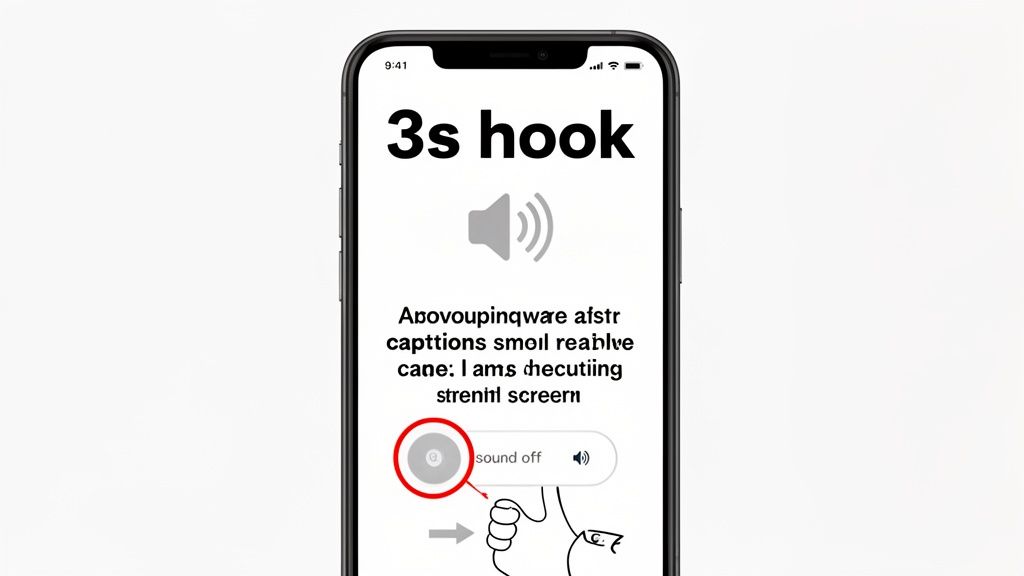
You have three seconds. That's it. If you haven’t given the viewer a compelling reason to stop scrolling by the three-second mark, you’ve lost. This is no place for a slow, cinematic logo reveal or a vague opening line.
Your hook has to be immediate, clear, and packed with benefit. It could be a question that digs into a major pain point, a surprising statistic, or a quick visual of the "after" state your software delivers. The idea is to create an "information gap"—a little bit of curiosity that the viewer feels compelled to fill by watching the rest.
Think of it like an email subject line. A weak hook is like writing "Company Update." A strong one says, "Are you making this mistake with your landing page?" The difference in engagement is night and day. If you need some ideas, you can learn more about how to grab the attention of your audience right from the start.
Designing For A Sound-Off World
Look at how people actually use their phones, and a critical insight emerges. While vertical formats are king—users watch 90% of vertical ads versus just 14% for horizontal—an even bigger stat is that a staggering 85% watch with the sound off. This is huge for SaaS companies because a well-made video can help viewers retain 95% of a message, compared to just 10% from text. You can explore more video marketing statistics and their impact to see just how deep this goes.
What this means is your video's story must be fully understandable without a single sound. Relying on a voice-over to do all the heavy lifting is a recipe for failure on mobile.
Your visuals and on-screen text are no longer just supporting elements; they are the primary storytellers. If the narrative collapses when you hit the mute button, the video is broken.
To nail this, focus on a few key things:
Bold, Legible Captions: Don't just flip on auto-captions and call it a day. Style them. Make them large, clear, and easy to read against any background. Use color and highlights to make key phrases pop.
Kinetic Typography: Animate your text on the screen. This guides the viewer's eye and keeps the momentum going, making the video feel dynamic even without sound.
Visual Storytelling: Use icons, graphics, and clean screen recordings to show, not just tell. The visuals alone should be enough to carry the story forward.
Mobile-Specific UX For SaaS Demos
For SaaS product demos, the challenge gets even tougher. You're not just telling a story; you're guiding someone through an interface on a screen that fits in their palm. What looks perfectly clear on a 27-inch monitor can easily become an unreadable mess on an iPhone.
Clarity is everything. You have to adopt a mobile-first user experience for the video itself.
Here are a few non-negotiable rules for making SaaS demos on mobile:
Zoom and Pan Aggressively: Never show your full UI and expect people to see the tiny button you're clicking. Zoom in tight on the specific element you're talking about. Make it the hero of the shot.
Use Readable Callouts: Any text overlays or arrows pointing to features must be large and have high contrast. Test them on an actual phone to make sure they’re legible.
Simplify the Workflow: Don't try to show every single feature. Pick one or two core workflows that solve a major problem. A mobile demo should be a focused teaser of value, not an exhaustive training manual.
By structuring your story with a powerful hook, designing for a silent audience, and optimizing the UX for a small screen, you create mobile videos that don't just get seen—they get understood. This disciplined approach ensures your message lands with impact, driving clarity and conversions right where it matters most.
Finding The Middle Path Between Agencies And DIY
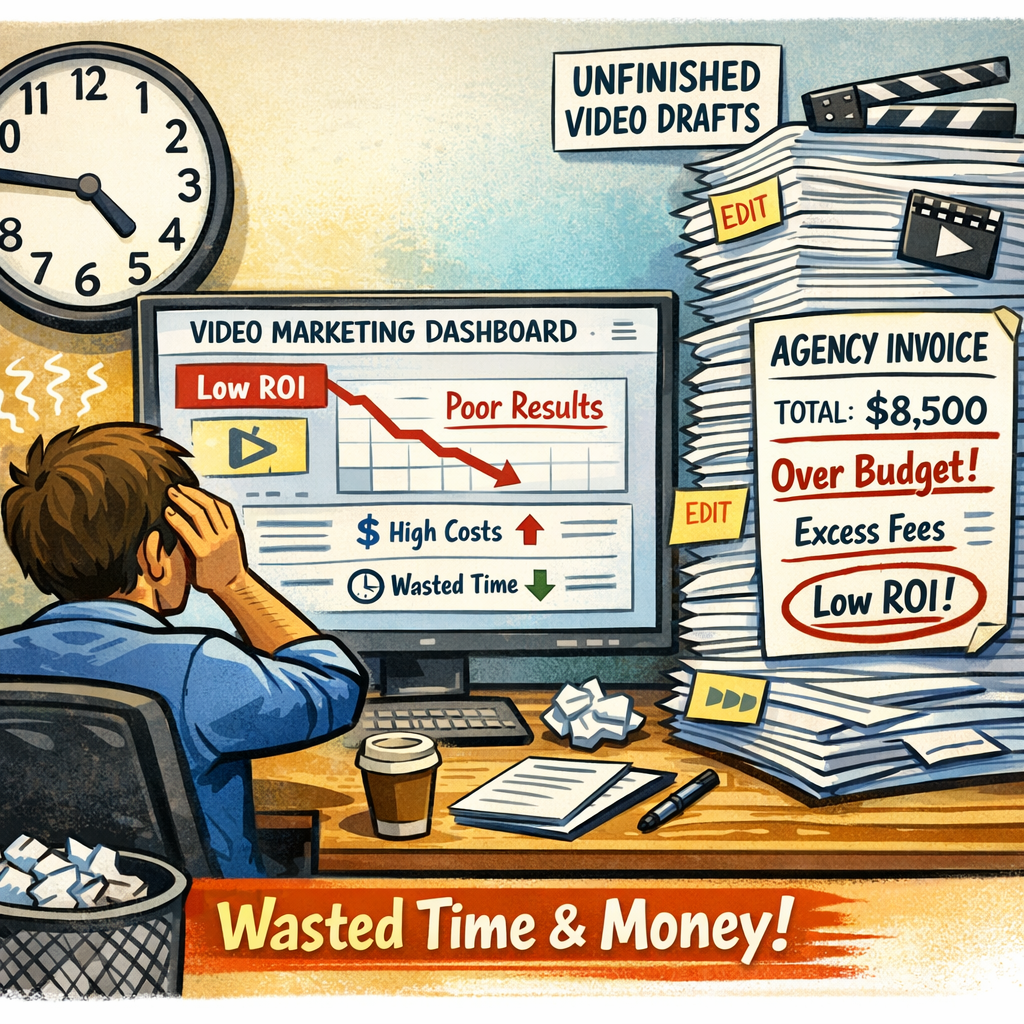
If you're a SaaS founder or product manager, you're probably stuck between two bad options for creating mobile videos. On one side, you've got the "Agency Drain"—a black hole of five-figure invoices, endless revision cycles, and a final video that takes months to arrive. It’s professional, but agonizingly slow and expensive.
On the other side is the "DIY Trap." You wrestle with complex editing software for hours, try to get a clean screen recording, and end up with something that just feels… messy. It saves money, but it costs you precious time and rarely looks polished enough for your landing page.
This is the classic founder's dilemma. You know you need high-quality video, but you can’t afford the time sink of DIY or the bank-breaking cost of a traditional agency. So you do nothing. And that inaction costs you conversions every single day.
The Problem With The Two Extremes
The core issue is that both models are broken for a fast-moving SaaS company. Agencies are built for big-brand campaigns, not for shipping a quick feature announcement video or A/B testing a new promo. Their process is heavy, bureaucratic, and completely out of sync with the speed of software development.
DIY, meanwhile, forces technical founders and product experts to become amateur videographers. Your time is better spent building the product, not color-grading a timeline or hunting for the right royalty-free background track. The result is often a video that communicates a lack of professionalism, undermining the very product it’s meant to promote.
The real challenge isn’t choosing between cost and quality. It's escaping the false choice that forces you to sacrifice one for the other. There's a smarter way forward that doesn't involve compromise.
This is where a structured, framework-based approach changes everything. It’s not about finding a cheaper agency or a better DIY tool. It's about adopting a new production philosophy that sits squarely in the middle—a hybrid model that delivers clarity, speed, and quality without the usual friction.
A New Production Philosophy
Imagine a system built specifically for creating clean, performance-driven videos for mobile. It prioritizes what actually matters for a SaaS demo: a crisp screen recording, a professional voice-over that builds trust, and simple graphics that clarify the message. It's about stripping away the "high-production fluff" that agencies sell and focusing on structured clarity instead.
This approach is built on three pillars:
Clean Screen Recordings: This is the foundation of any great software demo. The focus is on capturing your UI perfectly, with smooth mouse movements and aggressive zooms on key features so everything is crystal clear on a small screen.
Professional Voice-Overs: Audio quality is a massive signal of trust. A clear, human voice guiding the user is non-negotiable and instantly elevates the perceived quality of your product.
Simple, Supporting Graphics: Forget flashy animations. The goal is to use text callouts, subtle highlights, and minimal branding to guide the viewer’s attention without distracting from the product itself.
This philosophy creates a repeatable system. You can see how AI-powered video creation helps streamline this process, turning a complex task into a manageable workflow. By focusing on a proven structure, you eliminate the guesswork of DIY and the endless back-and-forth of agency work.
The Forgeclips approach is the logical evolution of this thinking. It isn't just a tool; it's a philosophy of structure designed to give you the polish of an agency at the speed you need to grow. It’s the middle path that lets you have it all: professional quality, rapid delivery, and a cost that makes sense for a scaling business. You get the assets you need to market your product effectively without getting bogged down in a process that wasn't built for you.
Measuring Performance And A/B Testing Your Videos
Making a sharp mobile video is a great start, but it’s only half the job. If you aren’t measuring its impact, you're flying blind. For SaaS leaders who live and die by the numbers, connecting your video efforts directly to business growth is the only thing that really matters.
This means looking past the vanity metrics. A high view count feels good, but it doesn’t pay the bills. The real story—the one that drives your strategy—is in the data that reflects genuine user action and intent.
We’re talking about the numbers that signal real interest. The ones that tell you whether your video is actually convincing people to take the next step or just keeping them entertained for a few seconds before they scroll on.
Moving Beyond Vanity Metrics
To get a true read on performance, you have to focus on metrics that tie directly back to your goals, whether that’s user acquisition, feature adoption, or lead generation. Forget the superficial stats and start tracking what moves the needle.
These are the key performance indicators (KPIs) you should be obsessed with for your mobile videos:
Conversion Rate: This is the big one. It’s the ultimate measure of success. How many people who watched the video actually completed your desired action? That could be signing up for a trial, booking a demo, or downloading a resource. It's the clearest signal that your message truly landed.
Watch Time vs. Completion Rate: Watch time shows how long, on average, people stick around. The completion rate tells you what percentage of viewers made it all the way through. A steep drop-off in the first few seconds means your hook is broken, while a high completion rate suggests your content is genuinely engaging.
Click-Through Rate (CTR) on CTAs: If your video includes a clickable call-to-action, the CTR is critical. This metric measures how effectively your video persuades viewers to act right now. A low CTR might mean your CTA is unclear, poorly timed, or just not compelling enough.
The most valuable data doesn't come from how many people saw your video, but from what they did afterward. A video with 1,000 views and a 10% conversion rate is infinitely more valuable than one with 100,000 views and a 0.1% conversion rate.
A Simple Framework For A/B Testing
Once you're tracking the right metrics, you can start optimizing. A/B testing is your best friend here. It’s just a structured way to compare two versions of a video to see which one performs better, taking all the guesswork out of your creative decisions.
Don't overcomplicate it. You don’t need a huge budget or a data science degree. Start with small, isolated changes to understand what really makes a difference. This systematic approach lets you iterate your way to a high-performing video.
What To Test For Maximum Impact
Focus your A/B tests on the elements that have the biggest influence on viewer behavior. By testing one variable at a time, you can gather clear, actionable insights to make all of your future videos for mobile better.
Here are three simple but powerful tests you can run today:
The First Three Seconds: Your hook is everything. Test two completely different opening hooks against each other. For example, Version A could start with a question that hits on a pain point ("Tired of juggling spreadsheets?"), while Version B opens with a bold statement about a benefit ("Cut your admin time in half.").
The Call-to-Action: The CTA text and its placement can have a huge impact. Test different button copy—does "Start Your Free Trial" outperform "Sign Up Now"? You can also experiment with timing. Does a CTA that pops up in the middle of the video work better than one at the very end?
Problem vs. Feature Focus: This tests your core messaging. Create one video that focuses heavily on the user's problem and how frustrating it is (the "before" state). Then, make a second version that jumps straight into showing off your shiny new feature (the "after" state). This will tell you what resonates more deeply with your audience: their pain or your solution.
By systematically testing and measuring what matters, you transform video creation from a creative exercise into a data-driven growth engine. This process ensures every video you produce is smarter and more effective than the last, directly contributing to your bottom line.
Your Mobile Video Pre-Launch Checklist
Think of this as your pre-flight check. You've done the hard work, and this last step ensures it all pays off. Running through a simple, structured checklist is the difference between hoping for results and building a system that delivers them. It’s how you make sure a tiny, overlooked detail doesn't sink your entire effort.
This isn’t about adding more work—it’s about turning good intentions into repeatable execution. A reliable system always beats last-minute improvisation.
Use this guide for every project. It’ll keep your videos for mobile perfectly dialed in for performance.
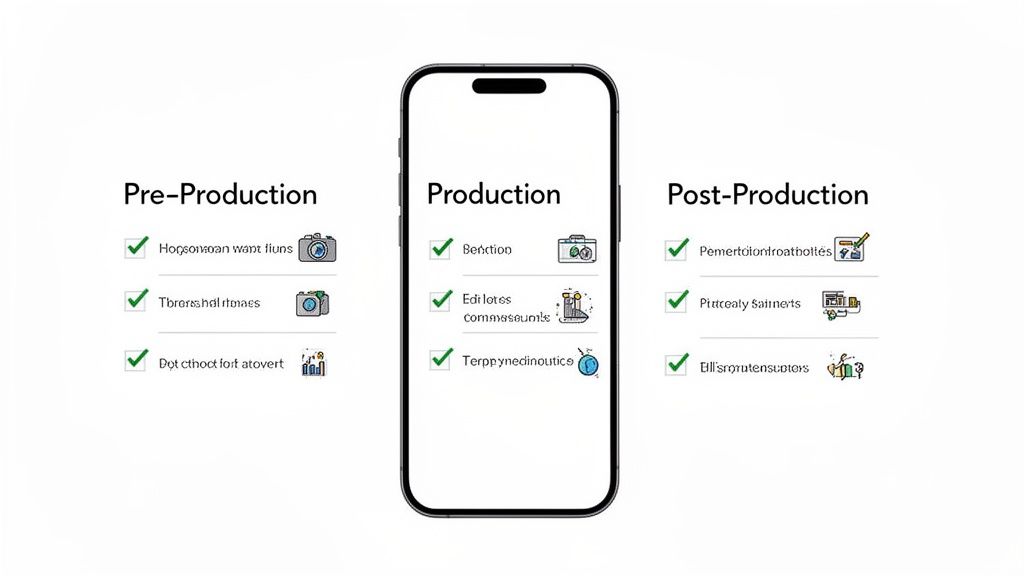
Pre-Production Phase
This is where you set the strategy. Get this right, and you’ll save yourself a world of headaches down the line.
Define a Single Goal: What’s the one thing you want the viewer to do? "Start a free trial"? "Book a demo"? Pick one and stick to it.
Choose Your Primary Platform: Where is this video living first? Is it for Instagram Reels, a landing page, or TikTok? This one choice dictates all your technical specs.
Confirm the Aspect Ratio: Are you going for a 9:16 full-screen experience or a 1:1 square for an in-feed post? Lock it in now.
Production Phase
Now, let's focus on the creative details—the things that actually grab and hold someone's attention on that small screen.
Nail the First 3 Seconds: Does your hook hit a pain point or flash a compelling benefit immediately? No warm-up allowed.
Design for Sound-Off Viewing: Are your captions big, bold, and easy to scan? If someone watches this on mute, will they still get the whole story?
Ensure UI/UX is Clear: If you're showing a SaaS demo, you need aggressive zooms and pans. Every click, button, and action must be impossible to miss on a phone. For a deeper dive on planning this out, our storyboard template for video is a great place to map your visuals.
Post-Production and Launch
This is the final polish before you hit publish. Don’t skip these last-mile checks.
Check File Size and Format: Is the video a compressed MP4 (H.264)? It needs to load instantly on a spotty mobile connection.
Set Your CTA: Is your call-to-action clear, compelling, and linked correctly? Triple-check it.
Prepare Your Metrics: What KPIs will tell you if this worked? Think Conversion Rate, Watch Time, or CTR. Know what you're tracking before you go live.
By making this checklist a routine part of your workflow, you build a reliable system for producing mobile videos that just plain work.
Mobile Video: Your Questions Answered
Even with the best strategy, a few practical questions always come up. Here are some straight answers to the common hurdles people face when making videos for mobile.
What Is The Best Video Format For Mobile Devices?
Stick with MP4 with the H.264 codec. End of story.
It’s the universal standard for a reason: it gives you that perfect sweet spot between high quality and a small file size. This means your video will load fast and play smoothly on pretty much any phone, browser, or social app you can think of.
Don't get bogged down in other formats like MOV or AVI. They have their place in heavy-duty editing suites, but they aren't built for the web. Choosing MP4 (H.264) is the simplest way to guarantee a good experience for your viewers, which is all that matters.
How Long Should A Mobile Marketing Video Be?
There's no single magic number, but context is everything. The right length depends entirely on where your viewer is and what they're doing.
For social media feeds (think TikTok, Instagram Reels, YouTube Shorts): You have to be ruthless with your timing. Aim for under 60 seconds, and land your main point within the first 15. Attention is a currency, and you're competing with a million other things.
For a SaaS product demo on a landing page: You’ve earned a bit more of their attention. You can stretch to 90 seconds if you’re showing off real value. Just make sure to front-load the most compelling benefits so they feel rewarded for sticking around.
The key is to match the video's length to the user's intent. A quick scroll gets a quick video. A dedicated visit can handle a little more depth.
Why Is Vertical Video More Effective On Mobile?
Because it fills the entire screen. It’s that simple.
When someone holds their phone naturally, a 9:16 vertical video creates an immersive, full-screen experience that shuts out every other distraction in their feed. This isn't just a design choice; it has a massive psychological impact.
The results speak for themselves. Vertical videos see completion rates up to 90% higher than horizontal ones, which force people to awkwardly turn their device. It just feels native and respectful of how people actually use their phones.
Horizontal video on a vertical screen is a wasted opportunity. It gives up valuable screen real estate and immediately signals to the user that the content wasn't made for them.
Do I Really Need To Add Captions To My Mobile Videos?
Yes. Absolutely. This is non-negotiable.
Consider this: around 85% of videos on social media are watched with the sound off. If your message is locked away in a voice-over, you’re talking to an empty room. Most of your audience will just scroll right by.
Without captions, your message is lost. They make your content accessible whether someone’s in a quiet office or on a noisy train, and they dramatically improve how well people remember what you said. Captions aren't an add-on; they are a fundamental part of making videos for mobile that actually work.
Ready to stop wrestling with DIY tools or waiting on slow agencies? Forgeclips provides a structured, framework-based system to get high-performing SaaS videos in just a few days. See how it works at https://forgeclips.com.